

Muse Still
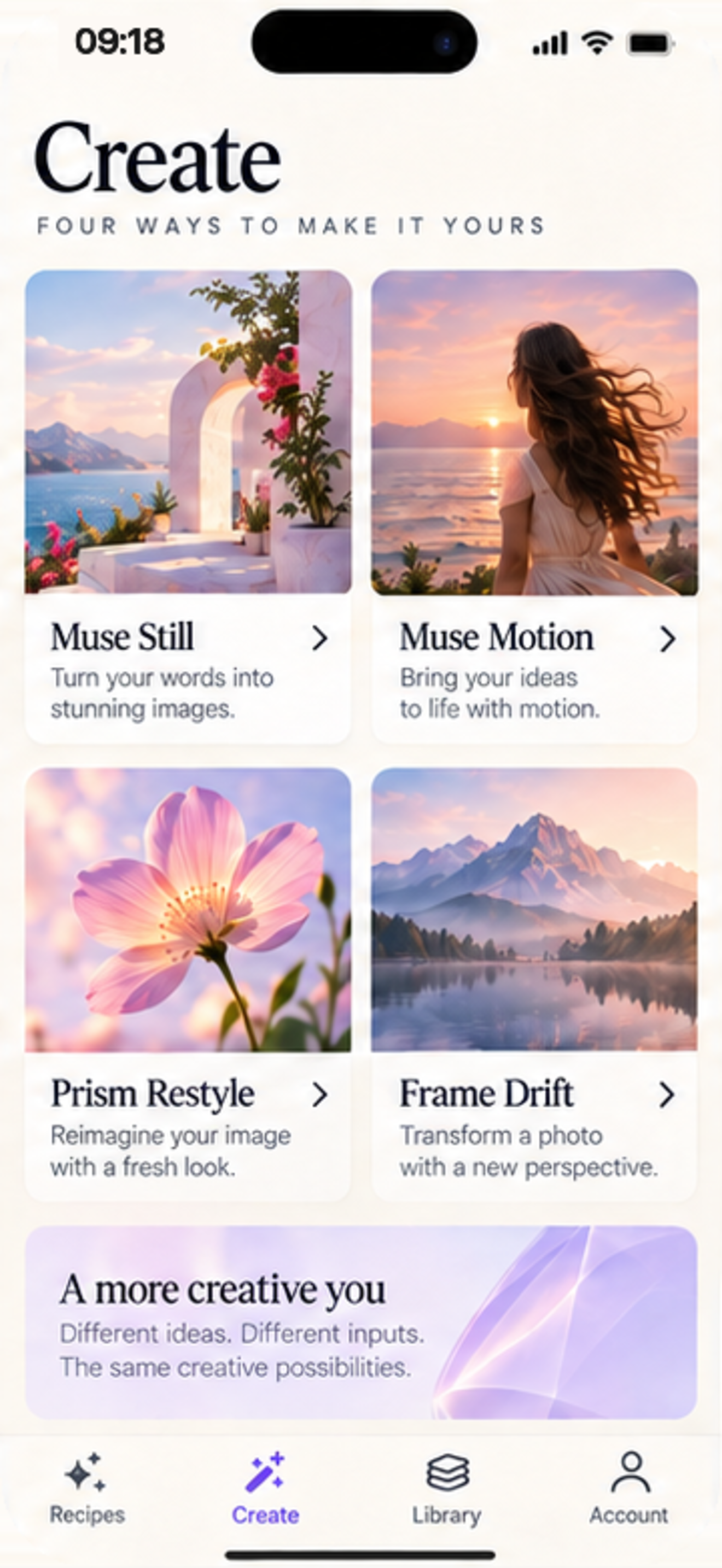
Turn your words into imagesDescribe what you imagine in vivid detail. AI renders luminous, publication-ready still imagery tailored to your prompt.
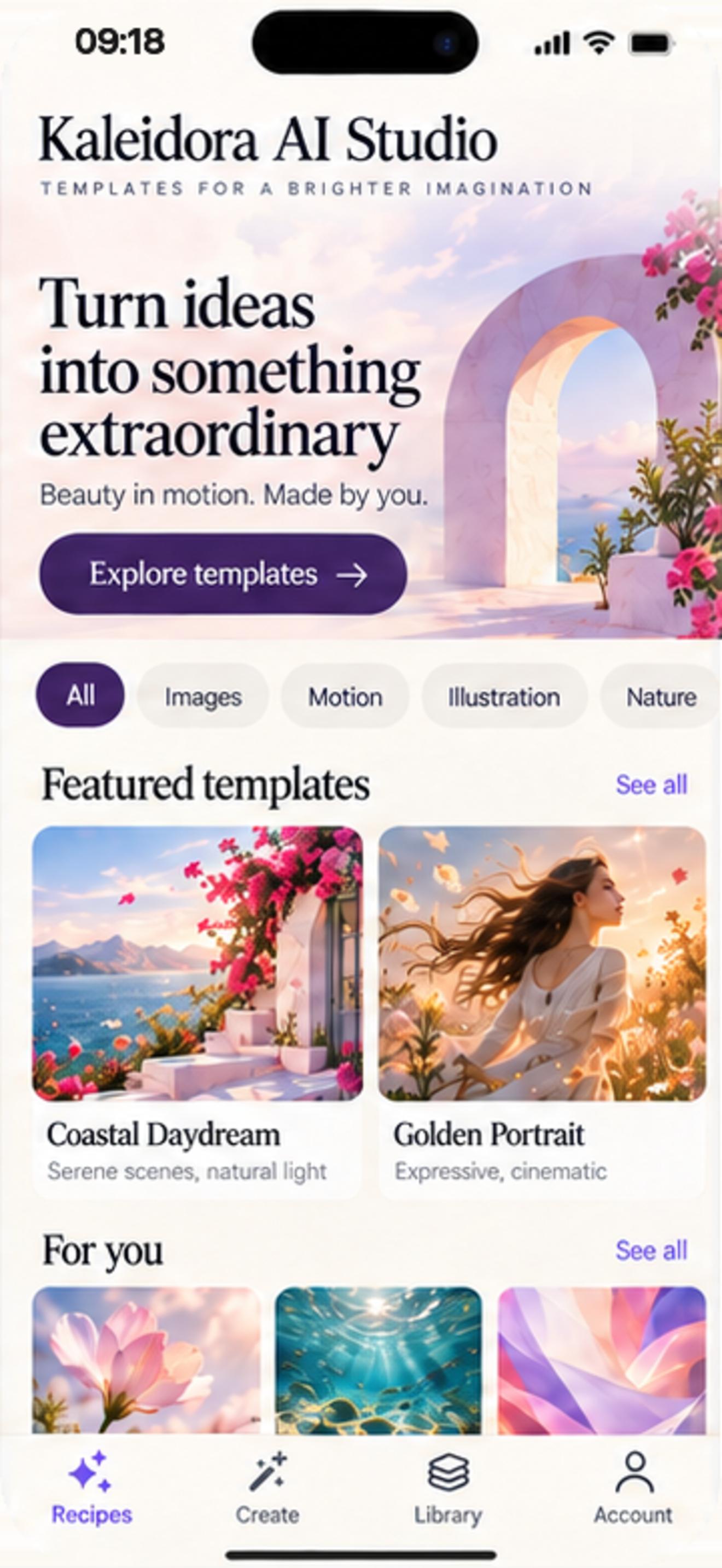
Text to ImageBeauty in motion. Made by you. Available as Kaleidora AI Studio on iOS and Kaleidora AI on Android. Start with a curated visual recipe, adjust styling options, or launch your own creative direction with dedicated image and video modes.
From tranquil still portraits to dynamic video flows, Kaleidora AI Studio brings image and video creation into one seamless, unified workspace.
Describe what you imagine in vivid detail. AI renders luminous, publication-ready still imagery tailored to your prompt.
Text to ImageTransform text prompts directly into cinematic short video sequences with smooth camera paths and poetic movement.
Text to VideoUpload an existing photograph and apply aesthetic prisms—blending fresh colors, textures, and atmospheres effortlessly.
Image to ImageInfuse still photography with organic motion. Turn serene portraits or peaceful landscapes into living, breathing videos.
Image to VideoExplore curated visual concepts—like Coastal Daydream, Golden Portrait, or Petal Study. Inspect animated previews, tweak supported camera ratios (1:1, 16:9, 9:16, 4:3), and select standard or high-resolution render output.
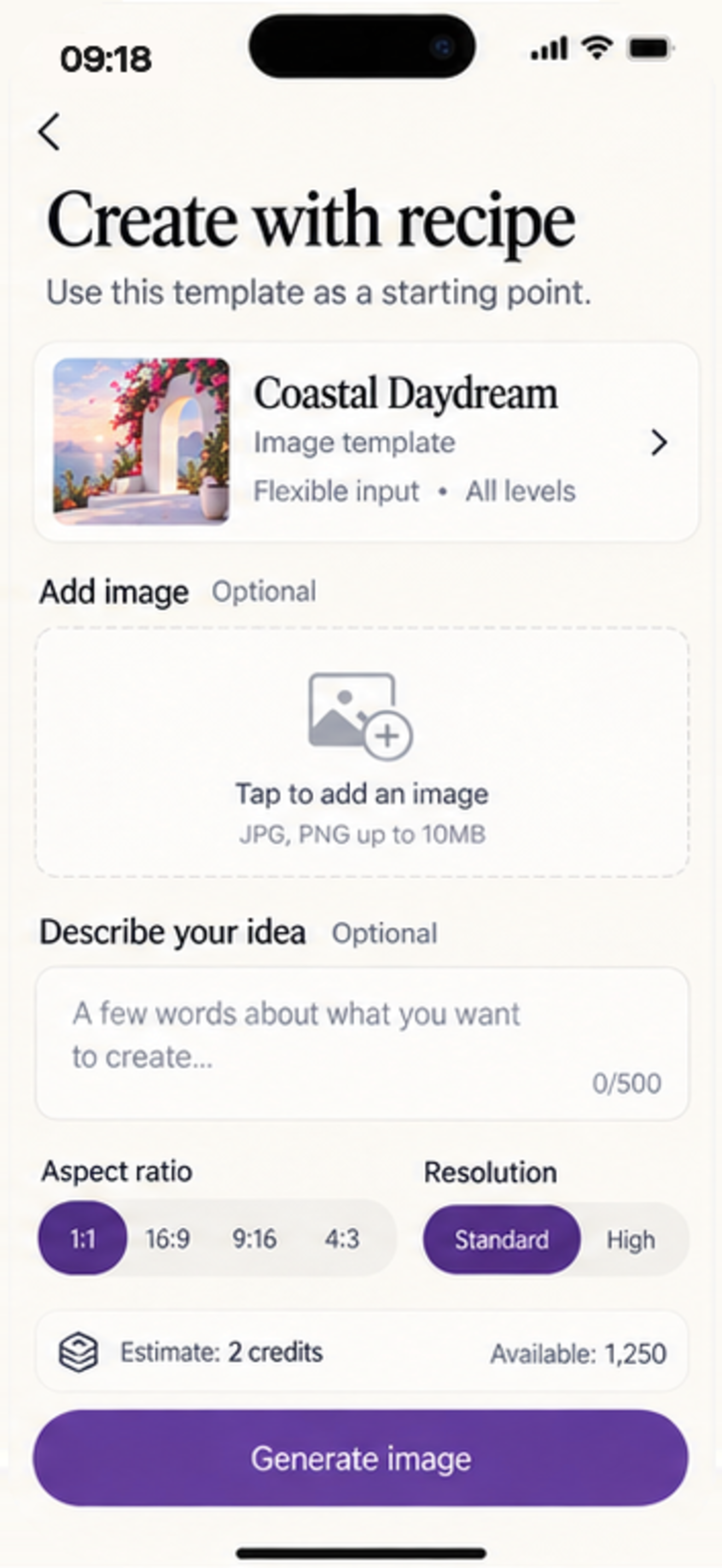
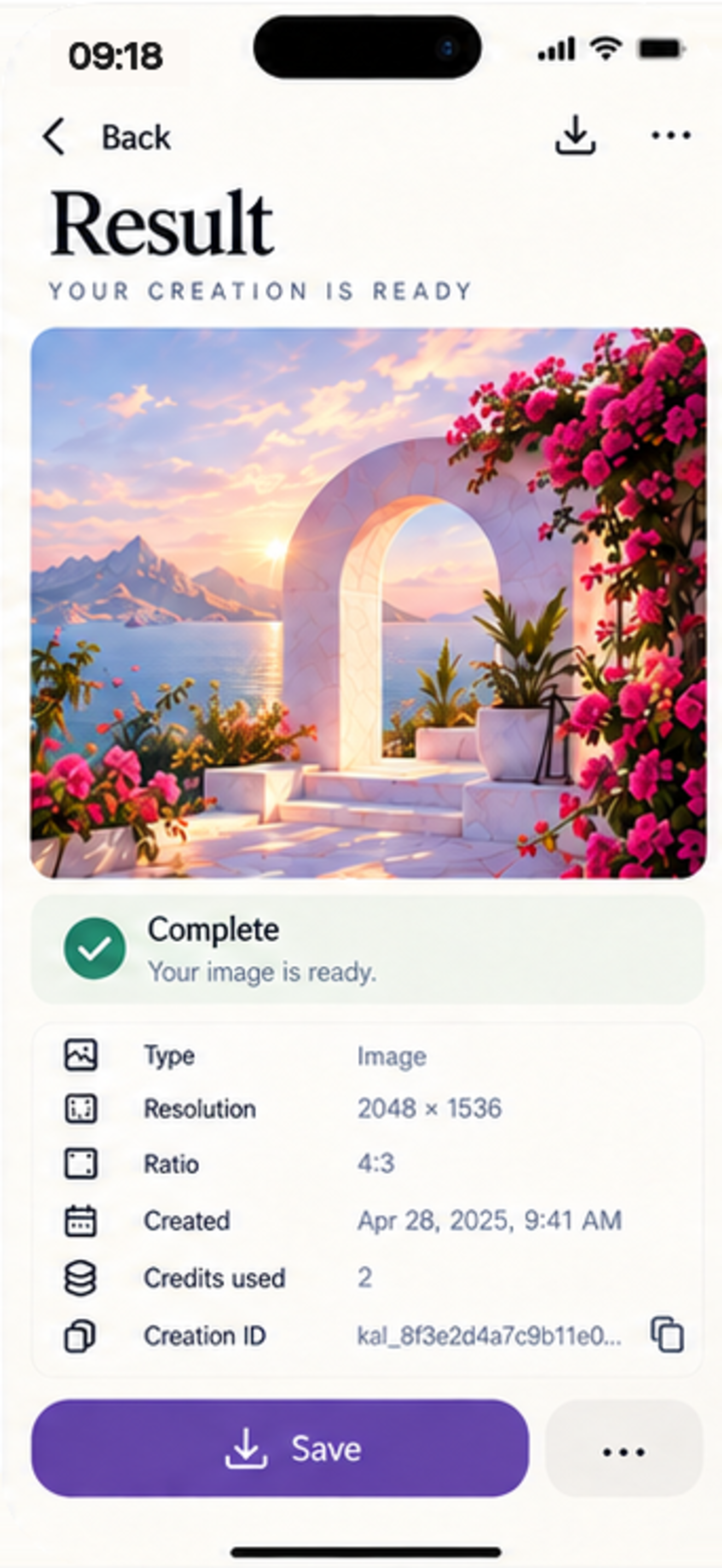
Follow queued and active rendering tasks in real time inside your Library. Review detailed metadata including resolution (up to 2048×1536), credits used, creation timestamps, and save directly to iOS Photos.
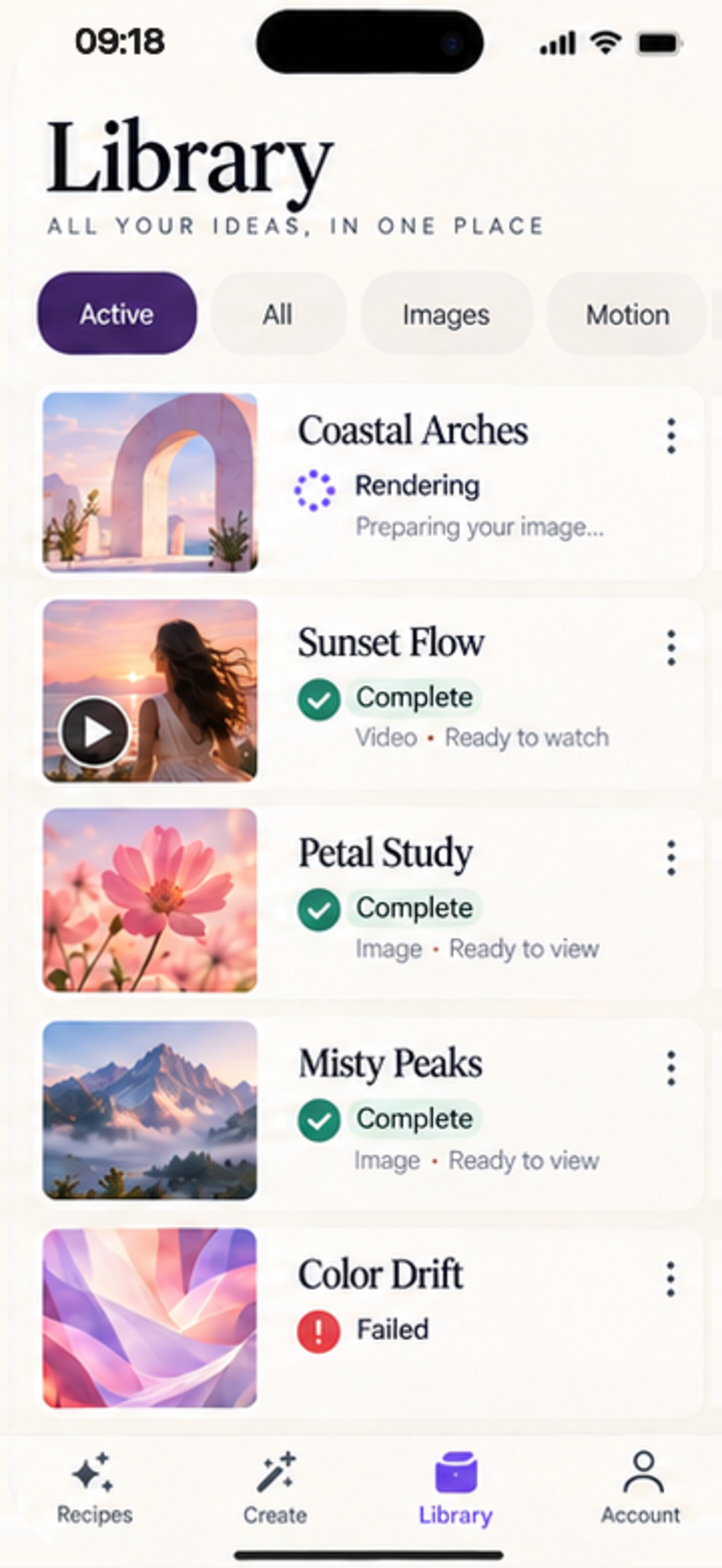
Meticulously crafted for iPhone with fluid gestures, refined serif typography, and accessibility features including Reduce Motion.